

Get started
This page takes you from your first sign-in to a visit arriving from a phone. It takes about 30 minutes.
1. Sign in
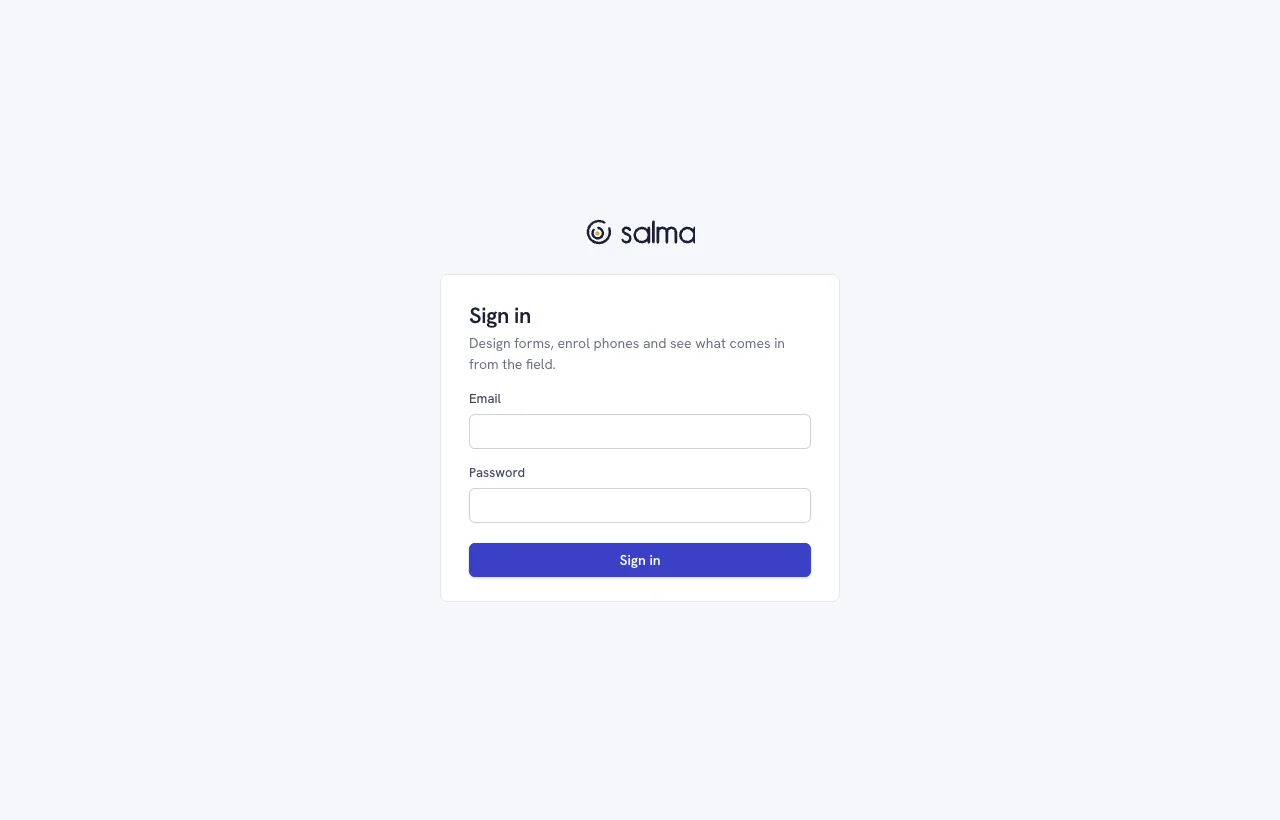
Section titled “1. Sign in”Open the Console address you were given and sign in with your email and password.
2. Find your way round
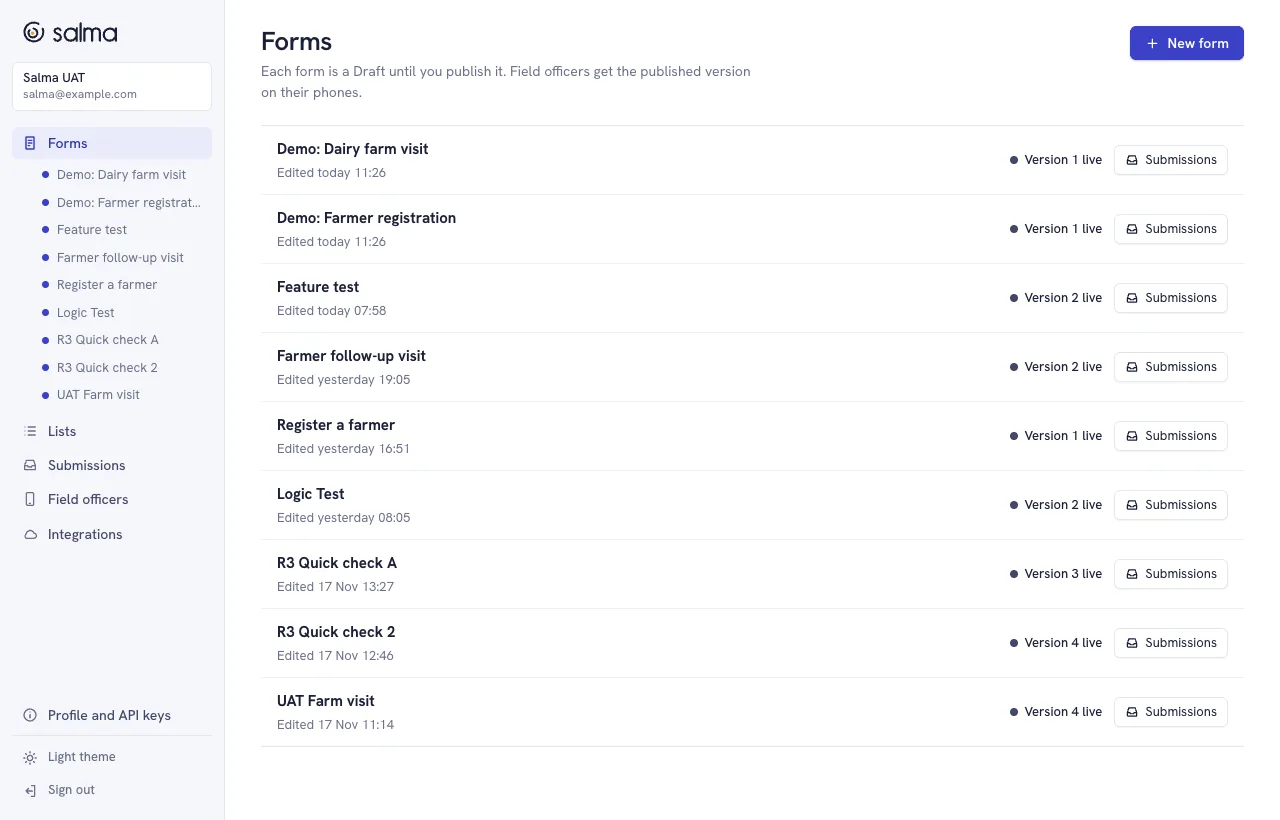
Section titled “2. Find your way round”The left menu has:
- Forms: every form, each a Draft until you publish it.
- Lists: lists of people or places that phones can pick from.
- Submissions: every visit that has come in.
- Field officers: the people who collect data, their forms and their phones.
- Integrations: Salesforce and other connections.
- Profile and API keys: your details, and keys for Power BI or your own systems.
3. Build and publish a form
Section titled “3. Build and publish a form”Follow Build a form. Start small: three or four questions is enough for a first test.
4. Add an officer and set up a phone
Section titled “4. Add an officer and set up a phone”Follow Set up a phone. You need an Android phone with Android 8 or later.
5. Send a visit
Section titled “5. Send a visit”On the phone, tap Refresh, then Forms, and open your form. Fill it in and tap Finish. With signal, the phone says Sent.
In the Console, open Submissions. Your visit is at the top.
- Question types and rules for real forms.
- Connect Salesforce or Power BI to send visits on.