
Collect data on the phone
Home shows the officer’s Forms, anything Saved for later and anything Waiting to send, and whose phone it is. Refresh sends what is waiting, then fetches new forms and lists.
Fill in a form
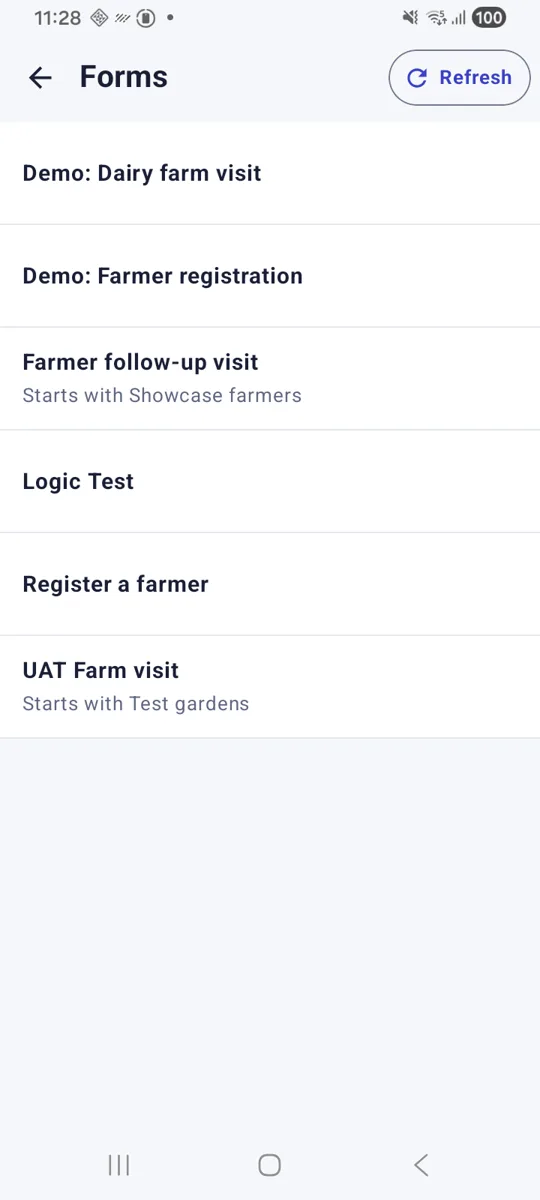
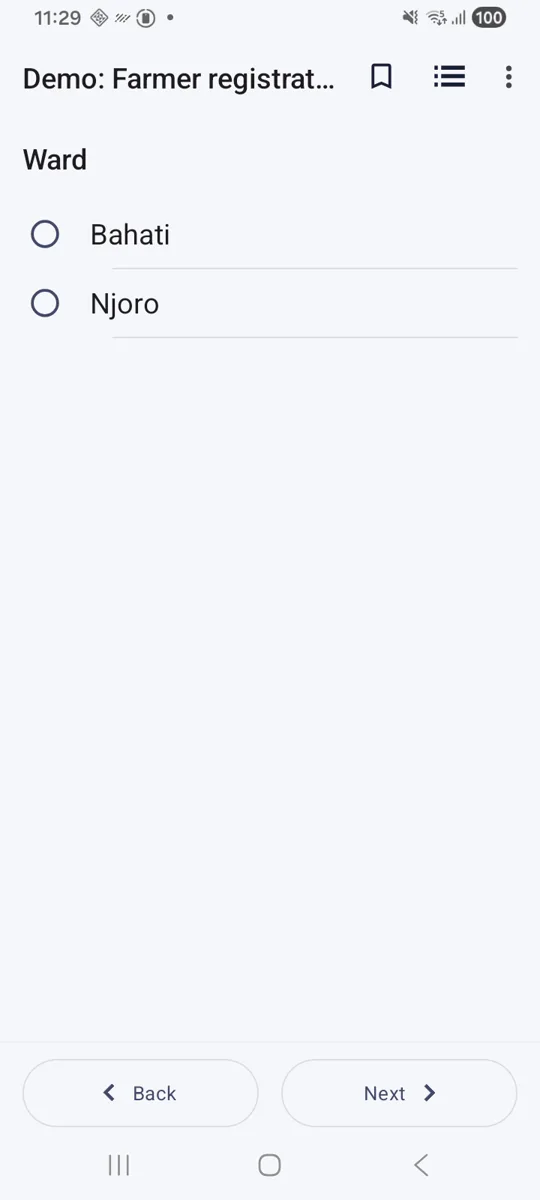
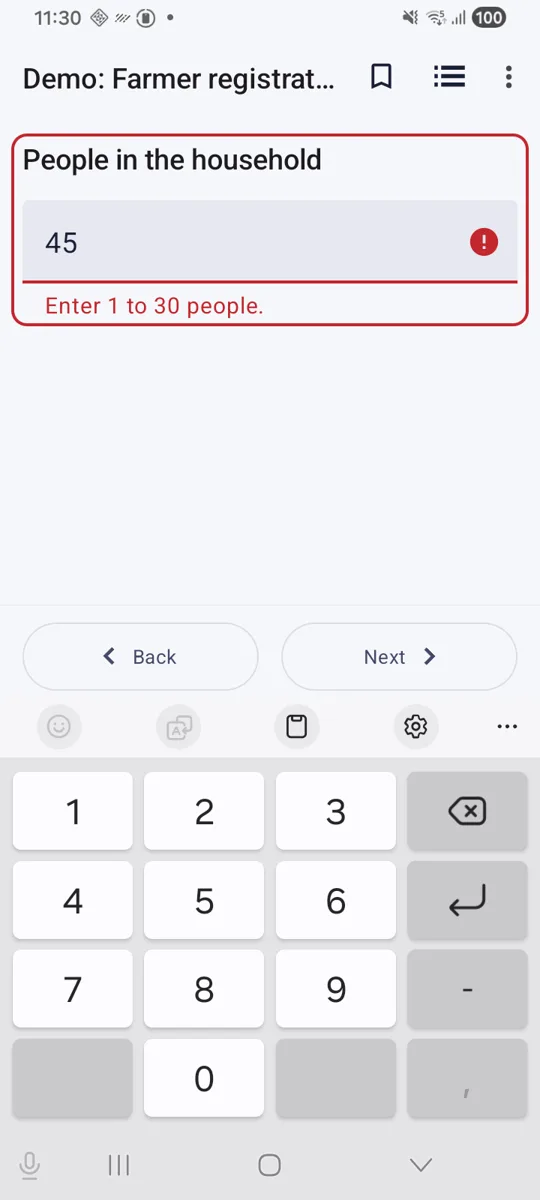
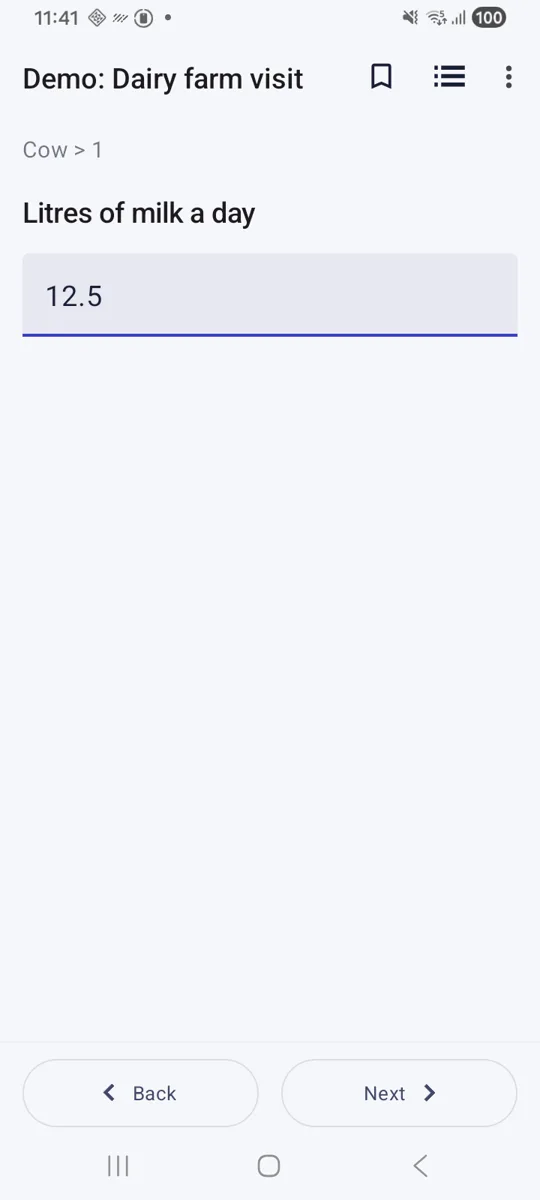
Section titled “Fill in a form”Tap Forms, open a form and answer each question. Next and Back move between questions. The menu (three dots) changes the language.
No signal
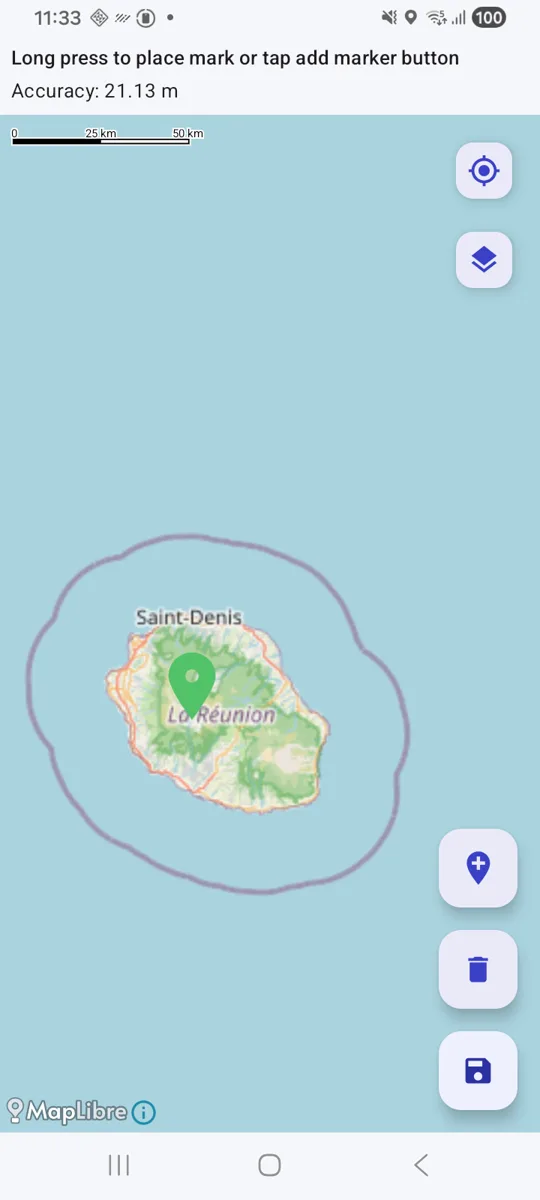
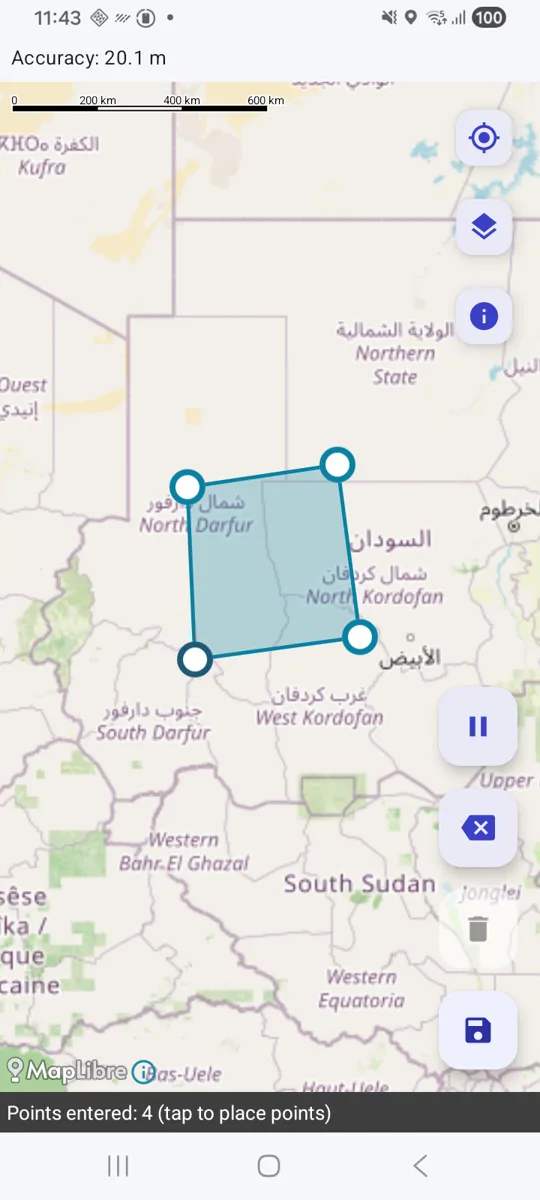
Section titled “No signal”Officers can fill in and finish forms with no signal. Finished visits wait under Waiting to send and send themselves when the phone finds a network, or when the officer taps Refresh. Street maps need signal; GPS points, lines and areas can still be recorded from the phone’s GPS.
Finish
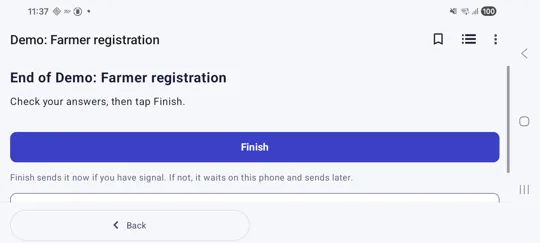
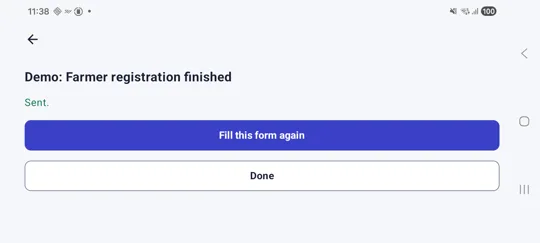
Section titled “Finish”At the end, tap Finish. With signal the phone says Sent. and offers Fill this form again or Done. Without signal the visit waits and sends later. Save for later keeps an unfinished form under Saved for later.