

Submissions and review
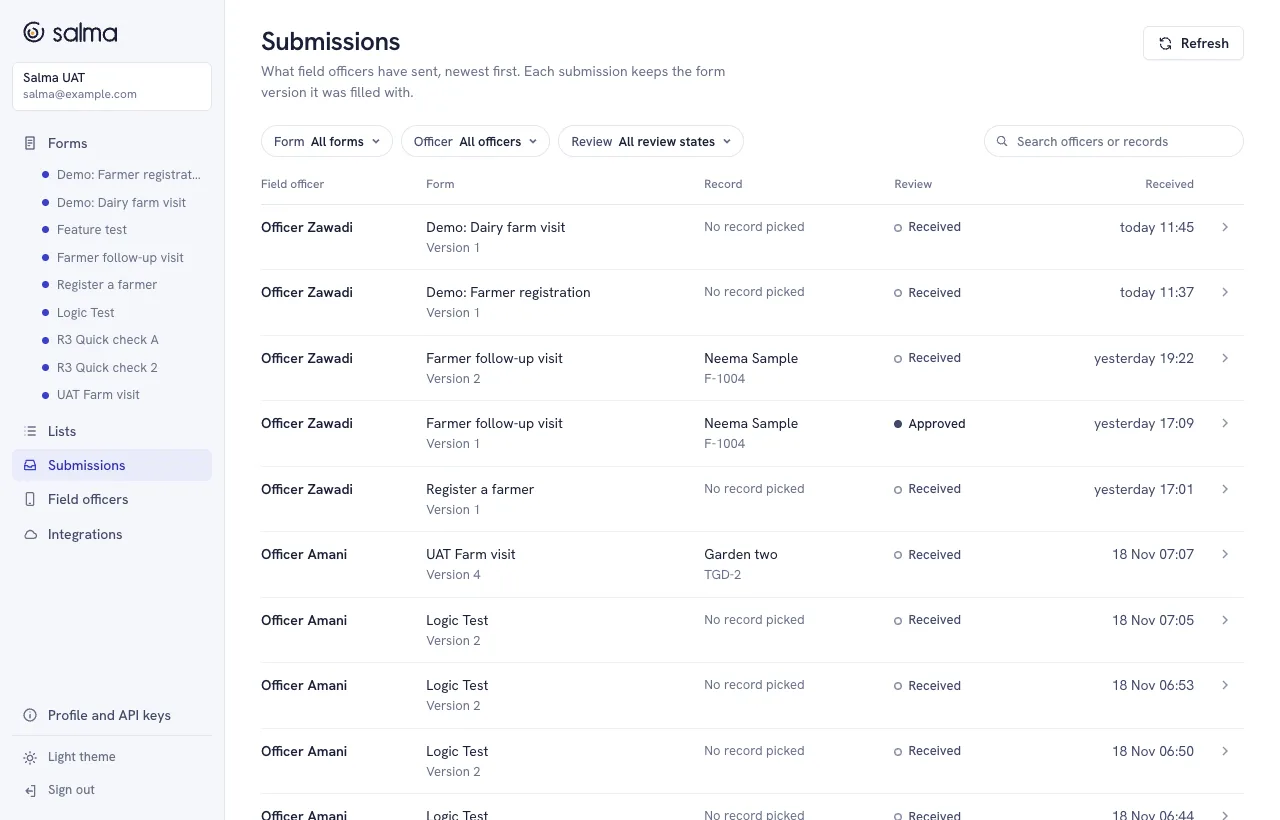
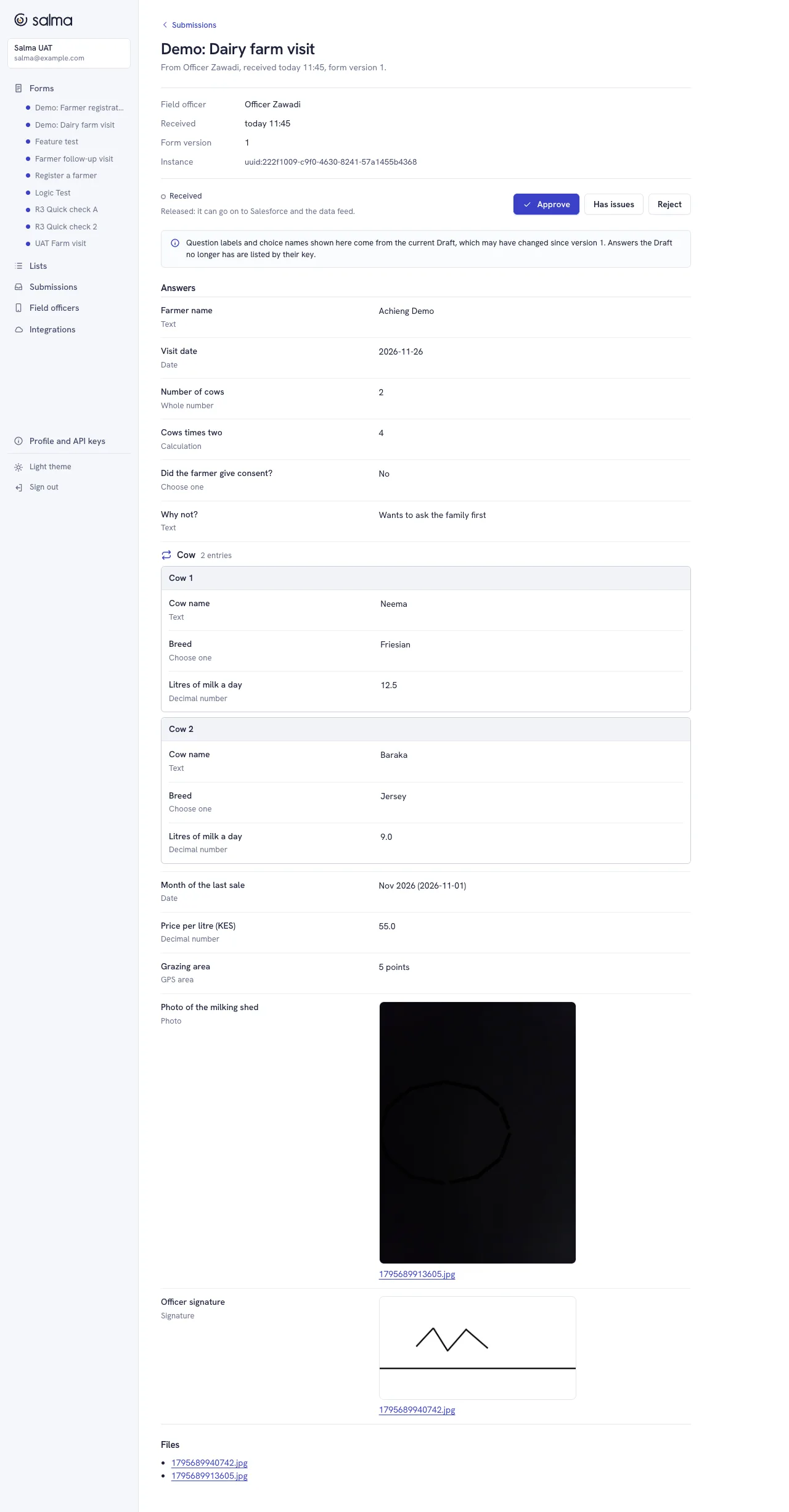
Open Submissions to see every visit, newest first. Open one to see every answer, photos and signatures, GPS points and areas, repeats and groups.
Review
Section titled “Review”Each submission can be marked Approve, Has issues or Reject.
Hold visits until approved
Section titled “Hold visits until approved”Under Form settings in the builder you can choose to send visits to Salesforce and the data feed Only after someone approves them. The setting takes effect when you publish a new version, for visits sent on that version; visits sent on older versions follow the setting of their own version. Until approved a visit stays in Salma: it is not sent to Salesforce, Power BI or the API, and it is not exported. Once approved it is Released and goes on.
Answers filled from a list
Section titled “Answers filled from a list”When a form fills answers from the record picked from a list, the submission shows them as Filled from the list.